

 VALORANT
VALORANT Queue Restrictions by Rank Tier: The Complete List (October 2026)
Here’s an up-to-date list explaining all VALORANT Ranked queue restrictions, based on party size, rank, and more.
4 Oct 20263 min
ValorantGUIDESHere’s how to activate Riot Mobile MFA for your VALORANT account in 2026, so you can get back to playing Ranked.
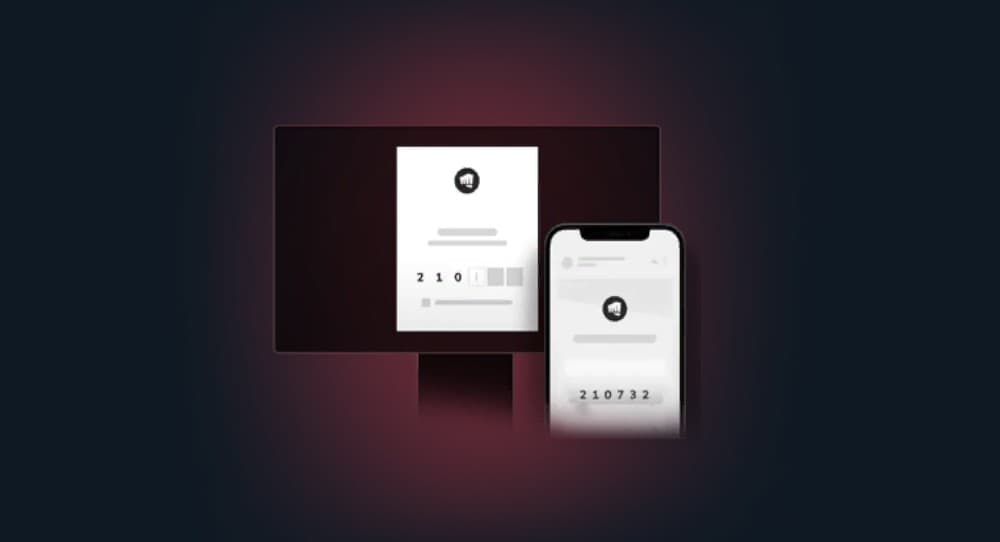
Here’s how to activate Riot Mobile MFA so you can keep playing VALORANT ranked. Image Credits: Riot Games
If you’re having trouble queueing into VALORANT Ranked, you may need to activate Riot Mobile MFA. This provides an extra layer of account protection, and it will also make your queues more trustworthy. The process only takes a few minutes to set up and complete on the Riot website. Here’s a quick guide.
Riot Mobile MFA is a security feature that adds an extra login step to your Riot Games account using the Riot Mobile app. Instead of relying on just a password, players confirm their identity through their phone.
Sometimes, players need to complete this process before entering Competitive queue in VALORANT. Riot built this system to cut down on account sharing and give Ranked extra protection. Setting it up only takes a few minutes, and once it’s active, it keeps your account locked down while also unlocking full access to ranked play.
If you have to enable Riot Mobile MFA to play Ranked, you’ll see a pop-up appear on your VALORANT Competitive queue. You won’t be able to queue in until you complete the activation process.
Riot Games requires Multi-Factor Authentication through Riot Mobile to tackle one of Valorant’s biggest problems, smurfing. Shared accounts and smurfing have long frustrated the ranked community, since experienced players hopping on low rank alternate accounts creates unfair, one sided matches.
By requiring Riot Mobile MFA for Ascendant and above players, along with any account flagged as shared, Riot makes it much harder for players to hide behind multiple accounts. This also strengthens account security overall, since Riot has found that most stolen accounts never had MFA enabled in the first place. The result is an overall better Ranked experience. It gives players more confidence that the opponents and teammates they’re matched with are actually who they claim to be.

Here’s how to complete the Riot Mobile MFA activation process:
VALORANTHere’s an up-to-date list explaining all VALORANT Ranked queue restrictions, based on party size, rank, and more.
 VALORANT
Here’s everything players need to know about VALORANT’s Ranked mode, including a list of all ranks and party restrictions.
 VALORANT
Here’s a full guide to the VALORANT Champions Shanghai 2026 Pick’Ems and their free rewards before they lock in for the Playoffs.