

fortnite
Fortnite x Pirate Miku and Kasane Teto: Release Date, Skins, Price
Fortnite Pirate Miku and Kasane Teto collab is coming soon. Find out the release date, expected V-Bucks prices, skins, and bundle details.
27 Oct 20263 min
Learn how to access your Fortnite Chapter 7 Season 4 recap, view your stats, and download or share your season highlights.
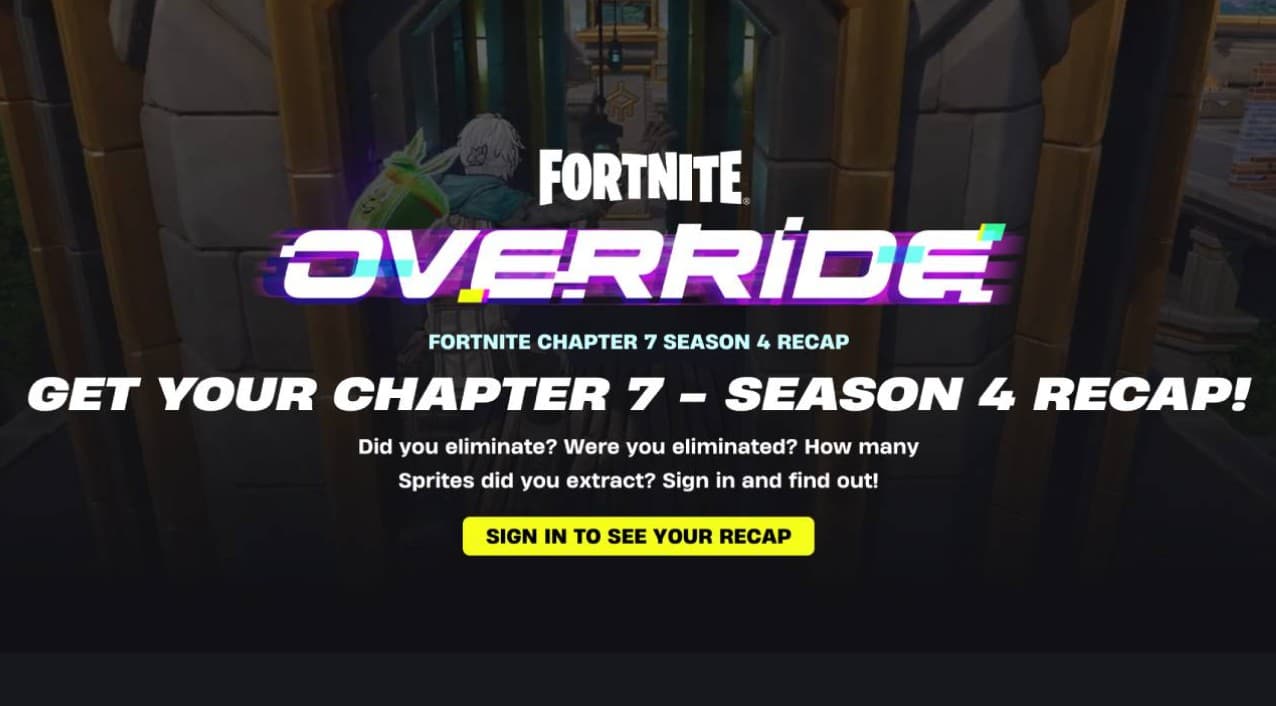
The Fortnite Season Recap lets players view their Chapter 7 Season 4 Override stats. Image Credits: Epic Games
As Fortnite Chapter 7 Season 4 (“Override”) winds down, Epic Games has opened a page that lets players look back at how their season went. If you want to see your own results in one place, here is how to find your Fortnite Chapter 7 Season 4 recap and what to know before you do.

The Fortnite Season Recap pulls your stats from the season and puts them in one place. You can view them, save them, and share them with others. The current Chapter 7 Season 4 (“Override”) recap includes the following.
Core combat stats
Progression and time
Favorite game modes
Seasonal gimmicks
You can get your recap by visiting the Fortnite Recap website in a web browser. It is not available inside the game itself. Follow these steps:
Note: Only sign in on official websites such as fortnite.com or epicgames.com. Any third-party “stats” or “recap” site that asks for your Epic Games password is a phishing scam, which is a fake site designed to steal your account details. The same applies to any site that promises free V-Bucks (Fortnite’s in-game currency) or skins in exchange for checking your stats.

Since the page won’t be available forever, make sure to save your recap before it disappears. You can use these options on the Fortnite Recap dashboard:
You can check, save, and share your Chapter 7 Season 4 “Override” recap until October 31, 2026. The page is only open for a short window and might be taken down just before the new season begins on November 1.
Epic Games introduced the current Fortnite Recap platform earlier this year during Chapter 7. Years ago, Epic tried video-based recaps through third-party partnerships. The automated browser dashboard at fortnite.com/recap, however, became a regular end-of-season feature starting with Chapter 7 Season 1.
Fortnite Pirate Miku and Kasane Teto collab is coming soon. Find out the release date, expected V-Bucks prices, skins, and bundle details.

Leaks say Nikki from Obsession might become a Fortnite skin. What has Epic confirmed, and what could be in the collab bundle?

Epic Games just rebuilt its launcher from scratch. The preview went live on October 14, 2026, with big speed claims and a path to Fortnite on Linux. Here is what changed and what to know before you install.