

Cheat Codes
All Fortnite Admin Panel Cheat Codes and Rewards
Here’s every Admin Panel cheat code in Chapter 7 Season 4: Override, plus a full guide to what items they give you.
3 Oct 20262 min
Here’s how players can pick the perfect Marvel Rivals crosshairs for their gameplay in 2026, including a list of the best options.
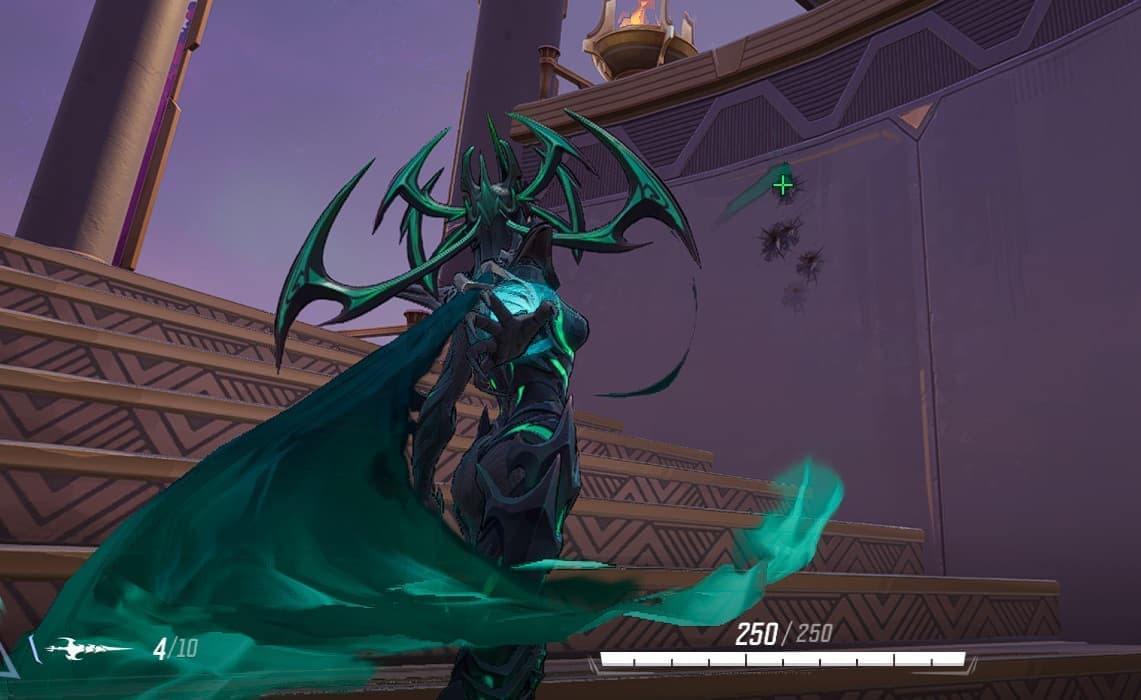
The right Marvel Rivals crosshair can make things a lot easier for an aim-dependent Hero like Hela. Image Credits: Marvel; NetEase via In-Game Screenshot
Did you know you can change your Marvel Rivals crosshairs? With the right settings, it’s easier than ever to track enemies on melee or hit those intense sniper shots. Let’s explore how to import and export crosshairs, create entirely new ones, and pick the right option for you.
To change a crosshair in Marvel Rivals, follow these instructions:

This Reticle Save section has several options. First, you should see a download page icon. Clicking on this lets you import any Marvel Rivals crosshairs: you just need the crosshair code. Copy and paste it in the box, hit Confirm, and you’re ready to go.
You can also export a crosshair for your friends to use: just select it from the drop-down bar, click on the export button with the up arrow, and copy the reticle code in the pop-up box. Send that code to whoever wants to use the crosshair.
If you want to make a brand-new crosshair, there’s another section under this with a ‘Save Reticle’ option. You can easily select basic Marvel Rivals crosshair options here (like a circle, dot, or classic crosshairs), but you can also create your own.
Just scroll down to the Advanced bar and click the + button on the far right. This will open up a ton of additional crosshair settings, for more precise adjustment. You can control:
You can also control some important HUD and UI specifics in this section, like widget sizes, accessory animations, and UI buttons. This is great for clearing visual clutter if the game is overwhelming you.
The best Marvel Rivals crosshair really depends on what type of hero you’re using. Hitscan characters might prefer something more precise for pixel-perfect accuracy. Meanwhile, projectiles or someone with AOE attacks can get away with larger, circular options.
You can find these crosshairs anywhere: Reddit, other forums, and websites are all good options. If you like a friend’s crosshair, you can also just ask them to send it over.
Here’s a quick list of some of the best Marvel Rivals crosshairs:

Code:
2;0.0;10.0,10.0,10.0,10.0;100.0,100.0,100.0,0.0;55.0,76.0,55.0,0.0;99.0,100.0,99.0,0.0;0.0,0.0,0.0,0.0;6.0,3.0,6.0,6.0;14.02;100.0,100.0,100.0,0.0;0.0;3,3,3,3;1.0,1.0,1.0;
The Necros Crosshair is great because it’s based on one of the game’s strongest players. Vladan “Necros” Konstantinov was originally an Overwatch pro player, and was one of the game’s strongest DPS. This means the crosshair is suitable for most Duelist Heroes, who fill a similar role in Rivals.

Code:
3;1;10.0,10.0,10.0,10.0;100.0,100.0,100.0,100.0;50.0,50.0,50.0,50.0;100.0,100.0,100.0,100.0;0.0,0.0,0.0,0.0;33.0,33.0,33.0,33.0;30.0;100.0,100.0,100.0,100.0;0.0;5,5,5,5;0.0,1.0,1.0;
This bright blue dot crosshair is hard to miss on the map. Since it’s so visually bright, it helps you keep focused, but it’s also small enough to reduce visual clutter on your screen. Dot crosshairs are strongest for Heroes who need precise aim.

Code:
1;0;35.0,35.0,28.0,0.0;100.0,100.0,100.0,0.0;83.0,83.0,83.0,83.0;100.0,100.0,100.0,100.0;11.0,11.0,11.0,11.0;33.0,33.0,22.0,33.0;30.0;100.0,100.0,100.0,0.0;0.0;2.0,2.0,2.0,2.0;1.0,1.0,1.0;
If you play a Melee Hero, you need a different type of crosshair than, say, a sniper. The Melee circle is large enough to help you with your tracking, while also reminding you to stay locked in on a smaller radius. For example, a Black Cat or Iron Fist player might prefer this mode.
Stay tuned for more Marvel Rivals esports and in-game news.
Here’s every Admin Panel cheat code in Chapter 7 Season 4: Override, plus a full guide to what items they give you.
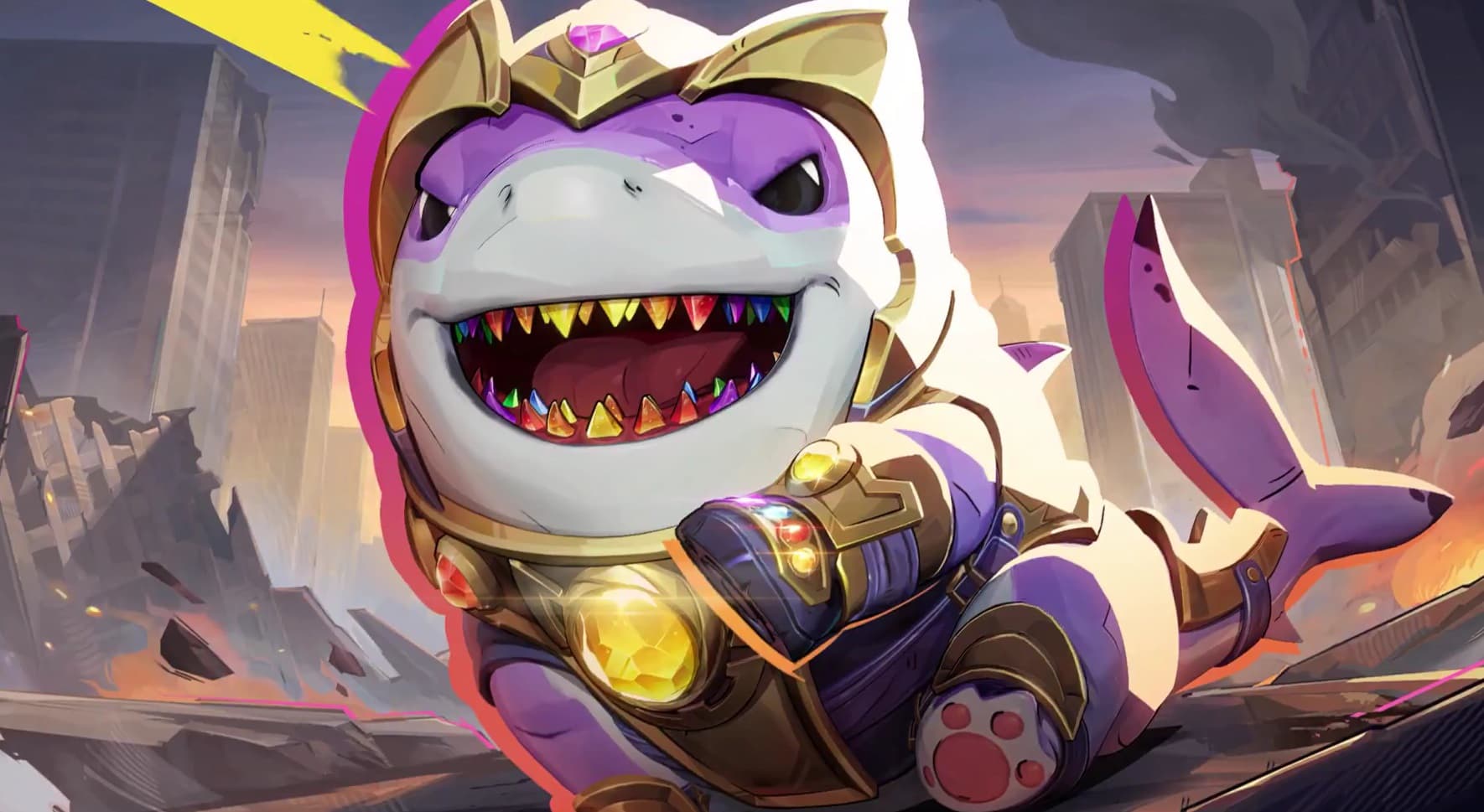
Thanos Jeff is real, and Sharknos is swimming into Marvel Rivals soon. Let’s recap the new skin’s release date and how to buy it.
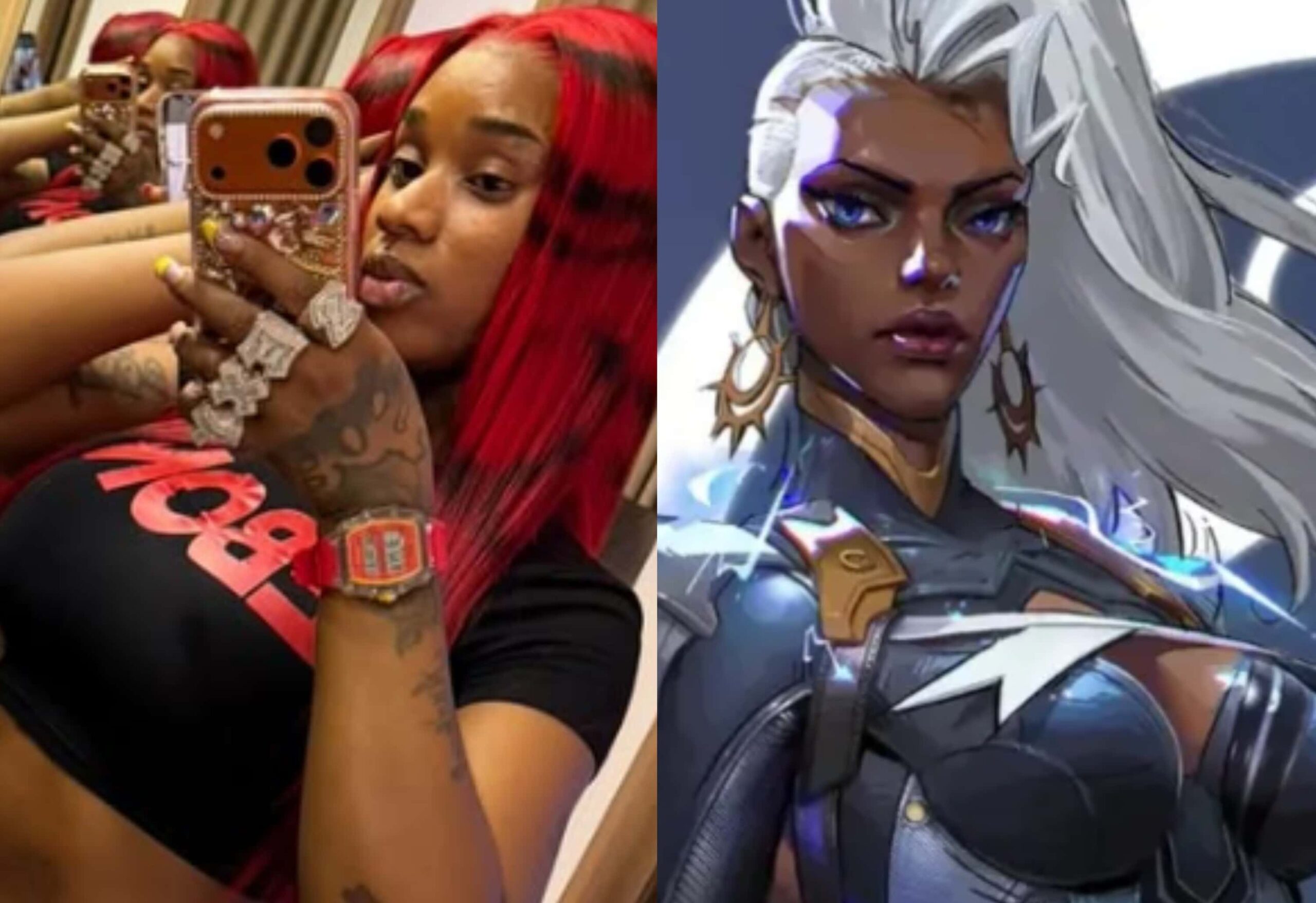
Rapper Sexyy Red has revealed she plays Marvel Rivals, and she’s asking the NetEase team for better Storm skins.