Twitch has automatically enrolled users in AI training. Here’s how to opt out if you choose. Image Credits: Twitch.tv via Website
In August 2026, Twitch automatically added all users to an AI data training pool. Here’s a quick tutorial on what exactly the decision means, and how to turn off Twitch AI training if you choose.
Twitch Is Using Profiles to Train AI
Twitch is a mainstay in the esports and gaming community, since the platform hosts plenty of tournament broadcasts and live events. Plenty of high-profile pros and industry figures (like VALORANT’s TenZ and League of Legends’ Caedrel) use the service to give fans a behind-the-scenes look at their Ranked games and personal thoughts on the industry. Others, like FGC enthusiast Ludwig Ahgren, have successfully transitioned to streaming full-time. Everyday gamers like Kai Cenat, IShowSpeed, and Vanillamace have also become key pop culture figures with their IRL vlogs and laid-back content.
On August 12, 2026, the service quietly rolled out an update that automatically enrolls every user in AI training. Basically, if this setting is enabled, Twitch will monitor and use your activity to train its artificial intelligence algorithms. It’s a partnership with parent company Amazon, which will recieve all the data.
According to an FAQ, Twitch specifies that “your content may be used for future Gen AI model improvements.” This includes using audio and voice clips to train its caption system. Specifically, it seems like “a model developed by Amazon whose purpose is to generate or synthesize text, audio, images, or video.”
AI is a hot topic right now, and the streaming community had lots of opinions about this move. There is an option to opt out and turn off Twitch AI training if you want, and we’ll explain how below.
How to Turn Off Twitch AI Training and Opt Out
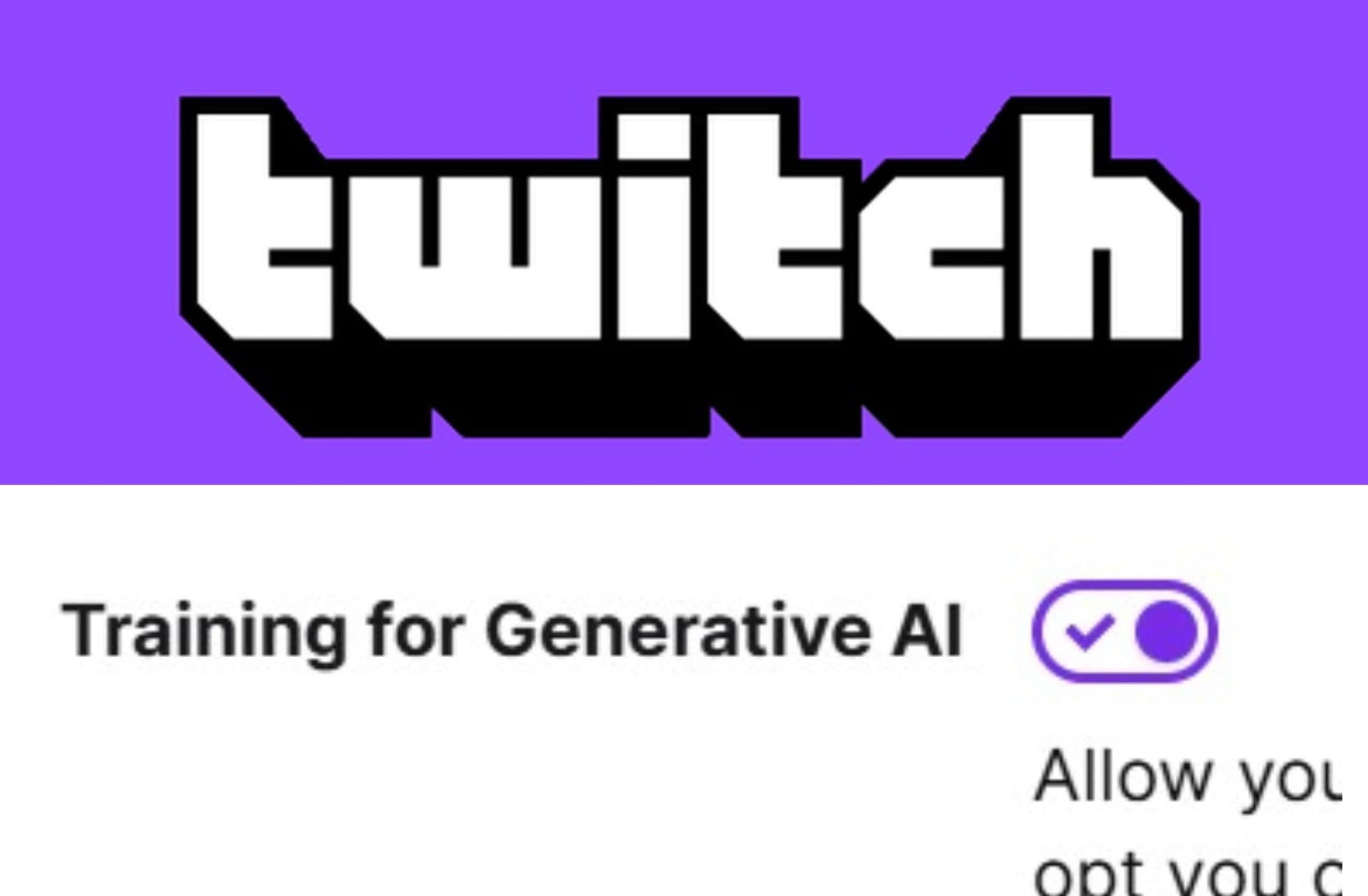
This is the setting that allows users to toggle off Twitch AI training. Image Credits: Twitch.tv via Website
To turn off Twitch’s automatic AI training, users can follow these steps:
You should see a ‘Training for Generative AI’ section.
There’s a button next to the section’s header. It should be automatically turned on. You’ll know this because it will be bright purple with a check mark.
Click the button to toggle Twitch AI training off.
Twitch notes beneath this setting: “Turning this off does not opt you out of Twitch and Amazon using your channel content for other purposes described in the Twitch Privacy Notice, including using AI-supported Twitch features that benefit the community by facilitating streamer growth and monetization (such as real-time sponsorship campaign assistance), viewer discovery (such as recommendations), and community safety (such as AutoMod).”
In addition, “If you opt-out and decide to not allow your channel content to train Generative AI content models, your streams, VODs, clips, stream chats, and pictures and text on your channel will not be used in future training.”