
 CS2
Loot Box Laws: CS2 Rolls Out X-Ray Case Scanner Feature in Switzerland
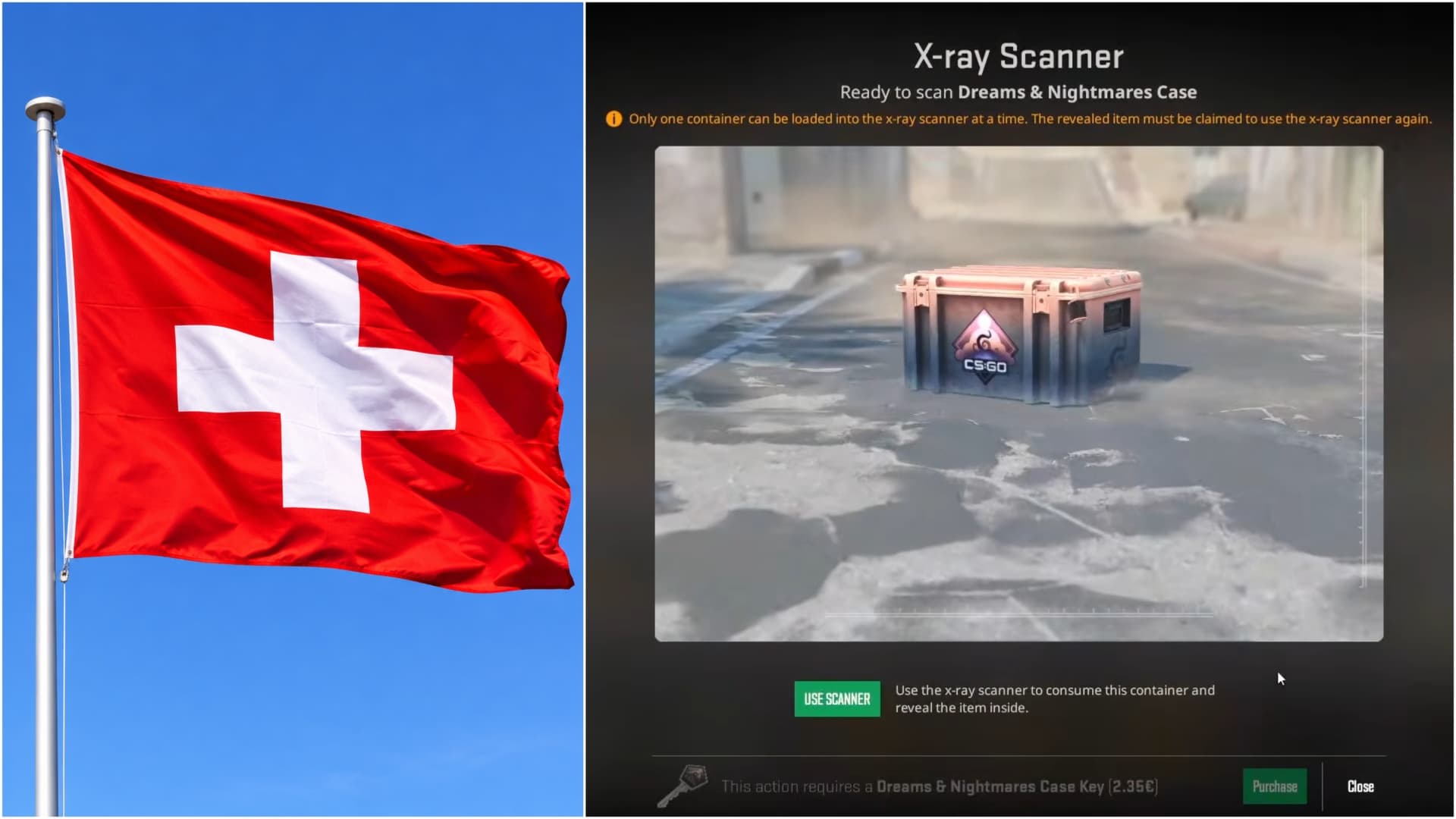
Valve’s latest CS2 hotfix adds the X-Ray Scanner for players in Switzerland, letting them see what’s inside a case before buying a key.
19 Nov 20264 min
CS2BREAKINGLearn how FACEIT Scrims work for CS2 players, who can access them, and what free features teams get ahead of Season 10.
FACEIT players gets the CS2 Scrims feature and it’s completely free. Image credit: FACEIT
If you play on FACEIT, Season 10 is bringing some major changes you’ll want to know about before it starts. The most recent tease for the Season 10 update is free Counter-Strike 2 scrims, which allow teams to practise on FACEIT servers without putting their Elo rating at risk. Here’s everything you should know about it.

FACEIT scrims give teams a central hub for lining up practice matches against other squads on the platform and every game runs on FACEIT servers with FACEIT Anti-Cheat switched on.
The best part of this mode is that it is free for everyone and doesn’t affect Elo ratings. In other words, whether you win or lose, your Elo points will remain the same.
Unlike regular FACEIT matchmaking, however, Scrims don’t use a queue. The system works like a bulletin board where team captains pin up open practice sessions, choosing the maps, the servers, the match format and up to six time slots that suit their schedule. Other teams can browse the available listings and challenge a session by choosing a time slot and one of the host’s selected maps. There is no map veto process.
Once a challenge lands, the hosting captain reviews the incoming requests and picks the opponent they like best. Every other request for that time slot gets declined automatically. When the agreed time arrives, both teams receive a ready-up prompt and the match kicks off as soon as all 10 players confirm they’re present.
FACEIT scrims FAQs page also mentions that if even one player fails to ready up, the platform pulls the plug and notifies both teams. Captains can also call off a booked scrim ahead of time.
FACEIT has already kicked off Scrims testing with North American ESEA League teams, starting with the squads playing in NA ESEA Season 59.
Everyone else won’t have to wait much longer because FACEIT will roll the feature out to all players and regions on December 9, 2026, the day FACEIT Season 10 officially begins.

To set up a Counter-Strike 2 scrim on FACEIT, your team captain must create a team, select your lineup and either post an open slot in the Scrims directory or challenge another team’s listing.

If you don’t want the hassle of creating a CS2 scrim listing on FACEIT, you can browse existing listings in your region and play using the host’s pre-configured maps and time slots.
Once the host captain accepts your challenge, join the match room at the scheduled time and ready up to launch the server.

While the core scrim system is free and puts zero Elo at risk, having at least one ESEA League Pass subscriber on your roster grants some extra perks. Here’s a comparison table:
| Feature | Free Teams | Teams with 1+ League Pass |
|---|---|---|
| Server & Anti-Cheat | Official FACEIT servers + AC | Official FACEIT servers + AC |
| Visibility & Stats | Public match history | Option for private scrims (hidden from profiles/stats) |
| Match Length | Standard win conditions | Option to force all 24 rounds (12 per half regardless of score) |
| Server Selection | Standard regional pool | Choice of exact server location |
| Booking Limits | Up to 10 active requests | Higher request limits and further advance booking |
The ESEA League Pass on FACEIT costs $8.00/month when billed every 3 months ($24.00 total) or $6.80/month when billed annually ($81.60 total), excluding taxes. However, the platform does not offer a single-month payment option for League Pass; plans are billed upfront in 3-month or 12-month intervals and can be canceled anytime.
Of course, League Pass isn’t the only thing worth considering if you’re thinking about playing on FACEIT. It’s also worth looking at how its ranked experience compares to CS2 Premier and regular matchmaking before deciding where to spend your time.
CS2Valve’s latest CS2 hotfix adds the X-Ray Scanner for players in Switzerland, letting them see what’s inside a case before buying a key.
 CS2
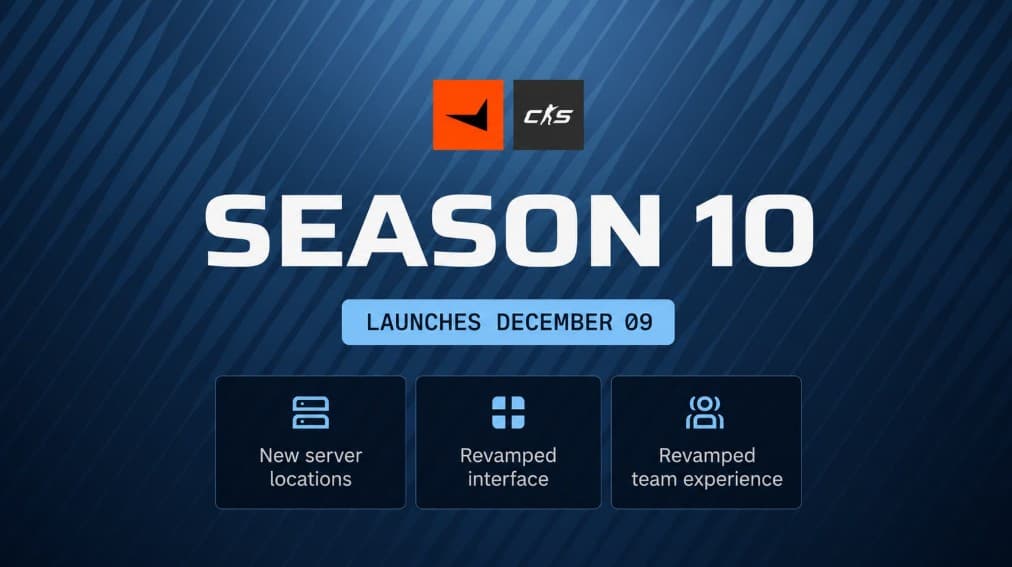
FACEIT Season 10 update brings new CS2 server locations, a revamped interface, and team experience changes for players.
 CS2
FACEIT bans 11,626 CS2 accounts for smurfing and returns 19.6 million Elo to over 520,000 players ahead of Season 10 in November 2026.